2019 -- 2021
Viz
Intelligent Care Coordination
Product Evolution
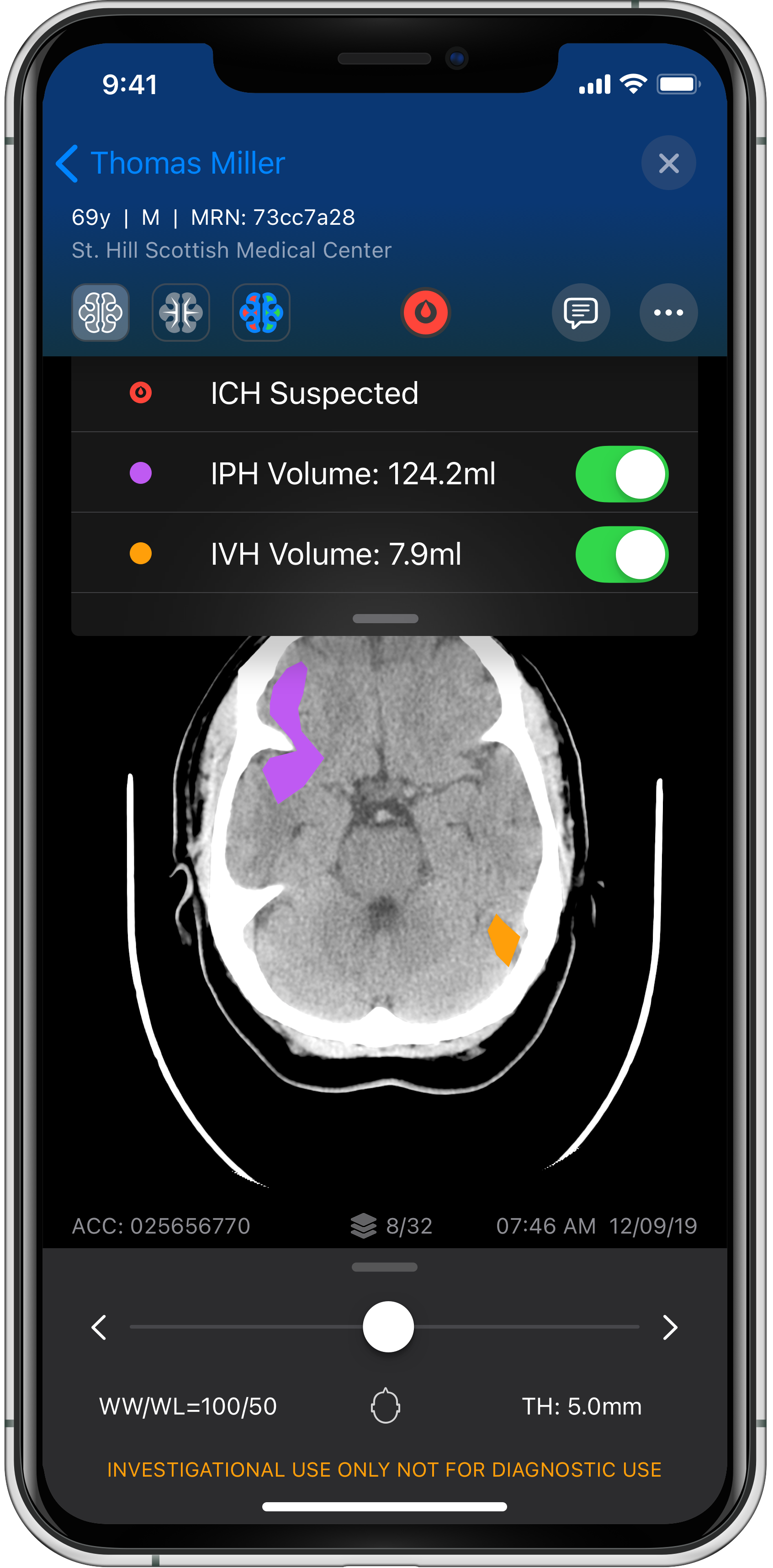
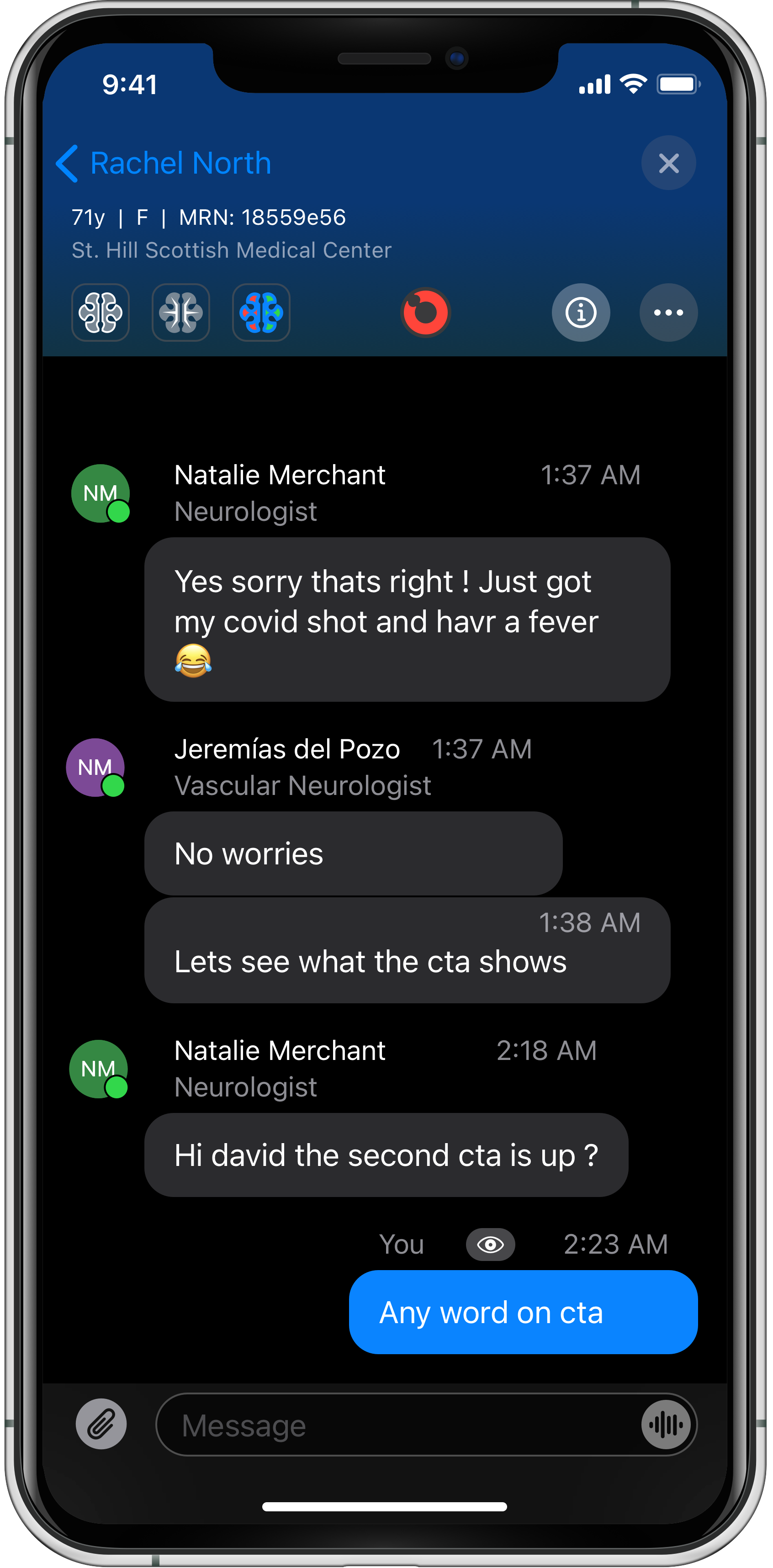
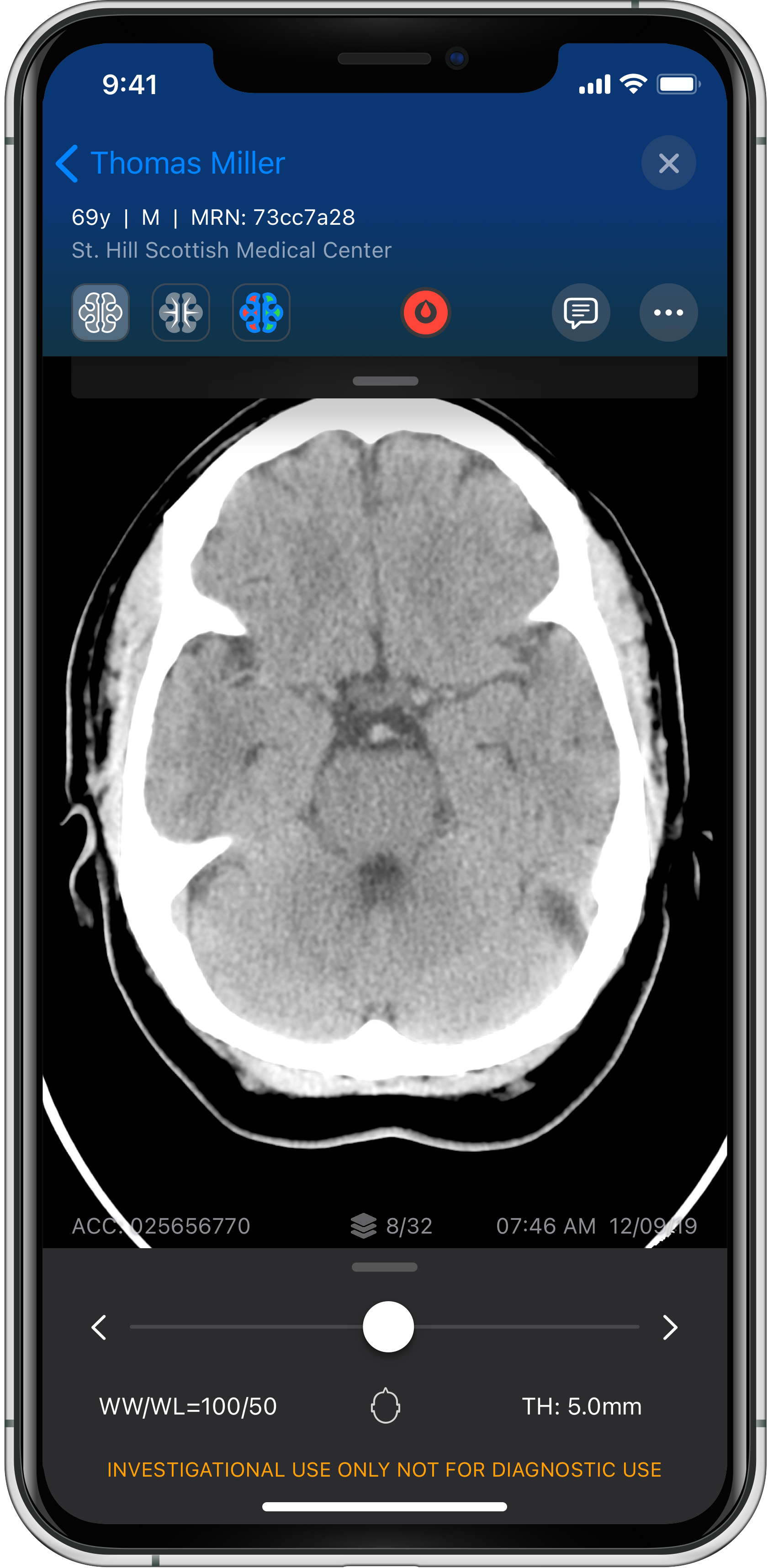
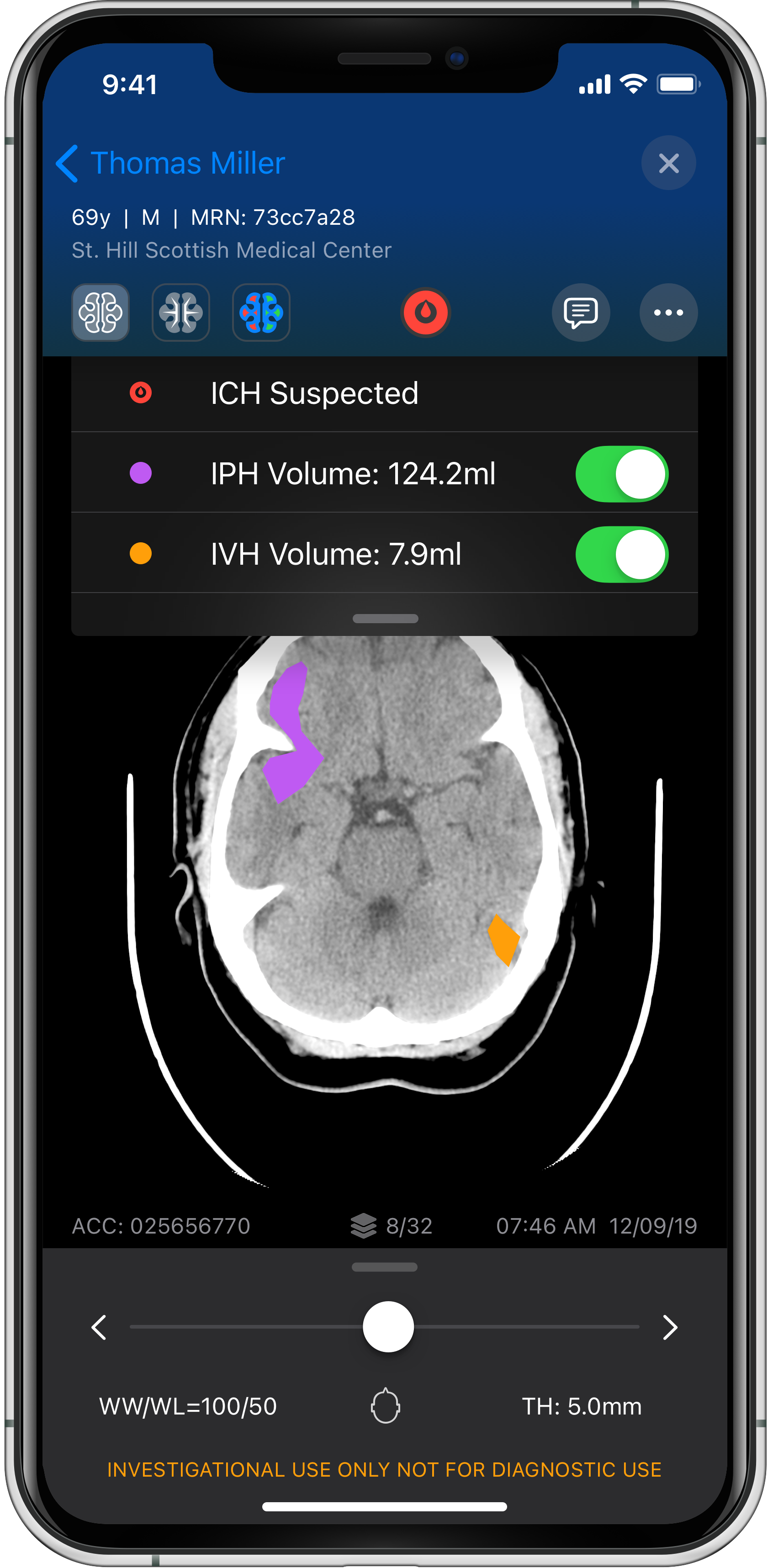
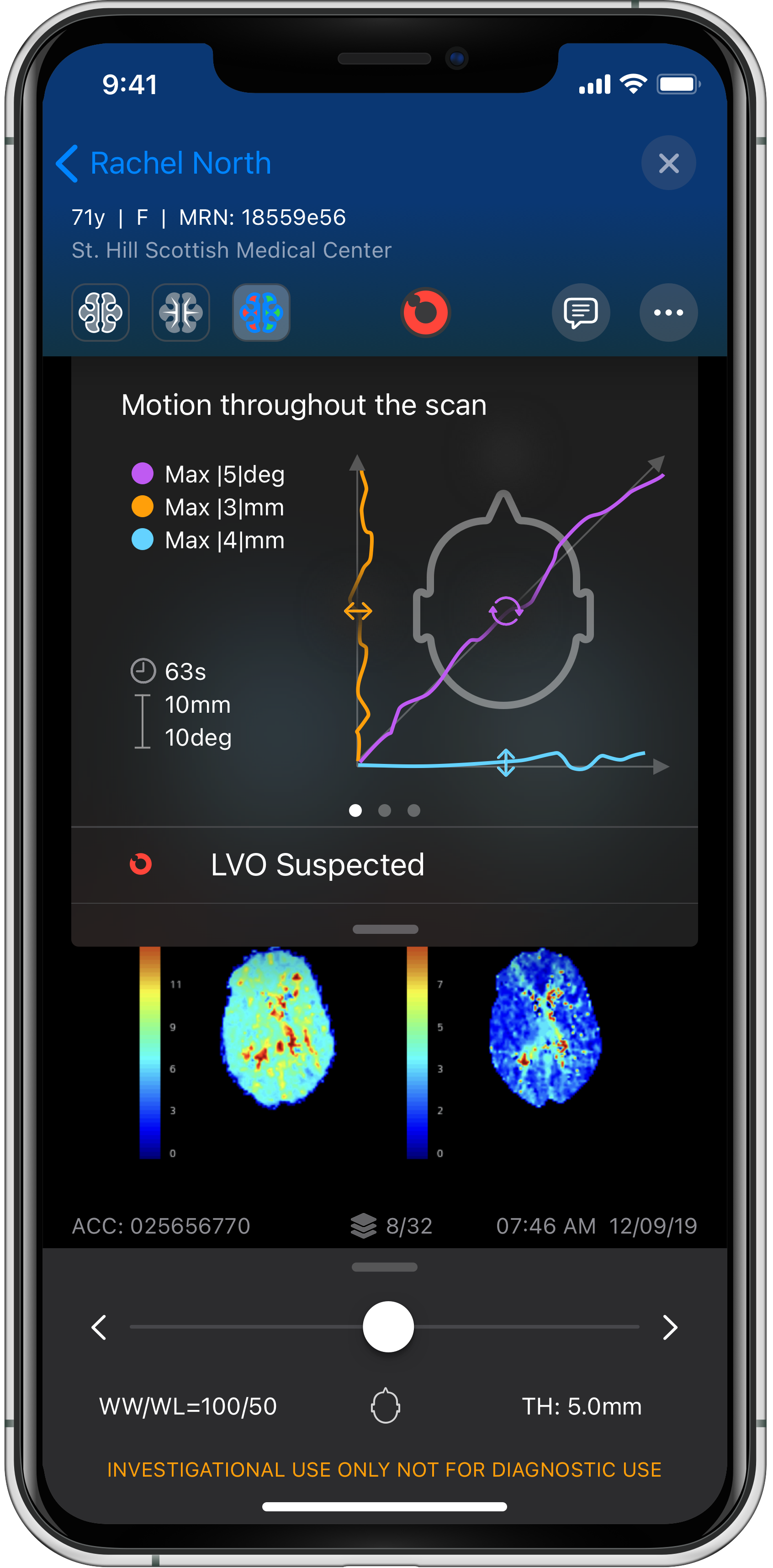
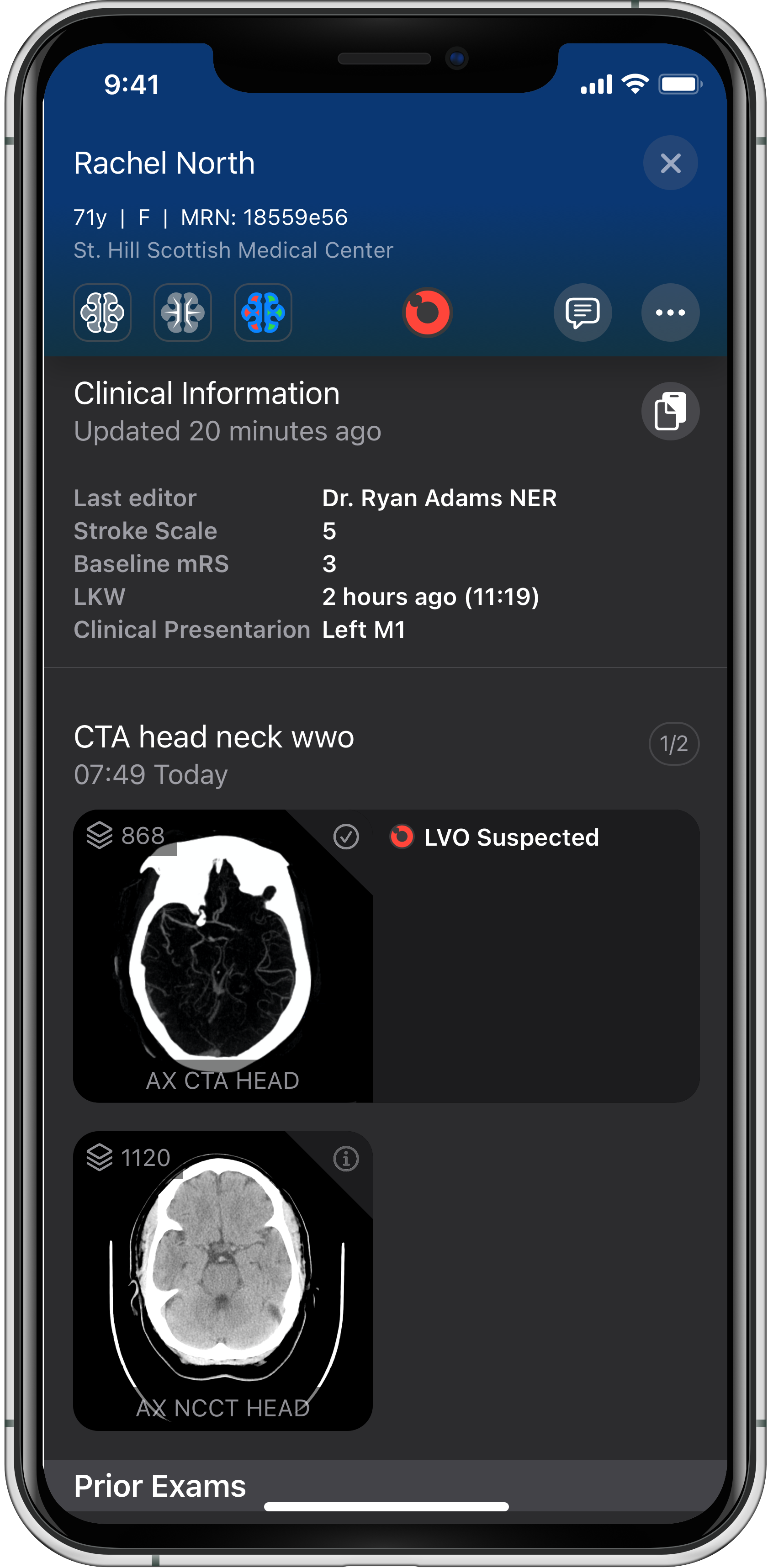
When I joined Viz, the app was narrowly positioned as a radiologic viewer for CT, MR, and X-ray scans. Over the course of almost two years, I helped transform it into a comprehensive care coordination platform -- connecting imaging analysis, alerting, workflow management, communication, and patient tracking into a unified experience for hospital teams.
This evolution was ongoing and introduced new challenges with product growth. Such as: adapting to new medical conditions and personas -- each with different workflows and information needs -- while ensuring the clarity and simplicity that doctors require in high-stress situations. The product expanded, and so did its complexity; the UX work focused on following and maintaining a vision, managing growth, and creating scalable designs and UI infrastructure without losing what made Viz effective.
My Role & Cross-Functional Leadership
Background
I joined Viz when it was a lean startup just after receiving FDA clearance. By the time I left, it was deployed in 600+ hospitals across the US, serving thousands of healthcare professionals daily.
The Scope
I was responsible for the entire user experience across the mobile apps (iOS, Android, and a demo app for each), the internal field teams console, and the emerging WebApp. My role went far beyond traditional design: I acted as a bridge between five product managers, engineering leadership, and our customer partners in everything related to UX.
Processes & Orchestration
A significant part of my work was structuring how product management, engineering, and user research flowed together efficiently to create the best UX. The right balance of meetings, colocated teams, and close relationships enabled an orchestration that kept us aligned on a cohesive product vision while moving at startup velocity.
User Research & Design Decisions
Dozens of Customer Conversations
We had deep partnerships with world-class neurosurgeons, radiologists, and hospital administrators. These were collaborative design efforts where I learned how specialists actually work. They taught me key insights, such as: clarity in emergencies is not negotiable, OS consistency is more important than custom branding, and small details like button placement and icon design can significantly affect successful task completion.
The Home Screen Breakthrough
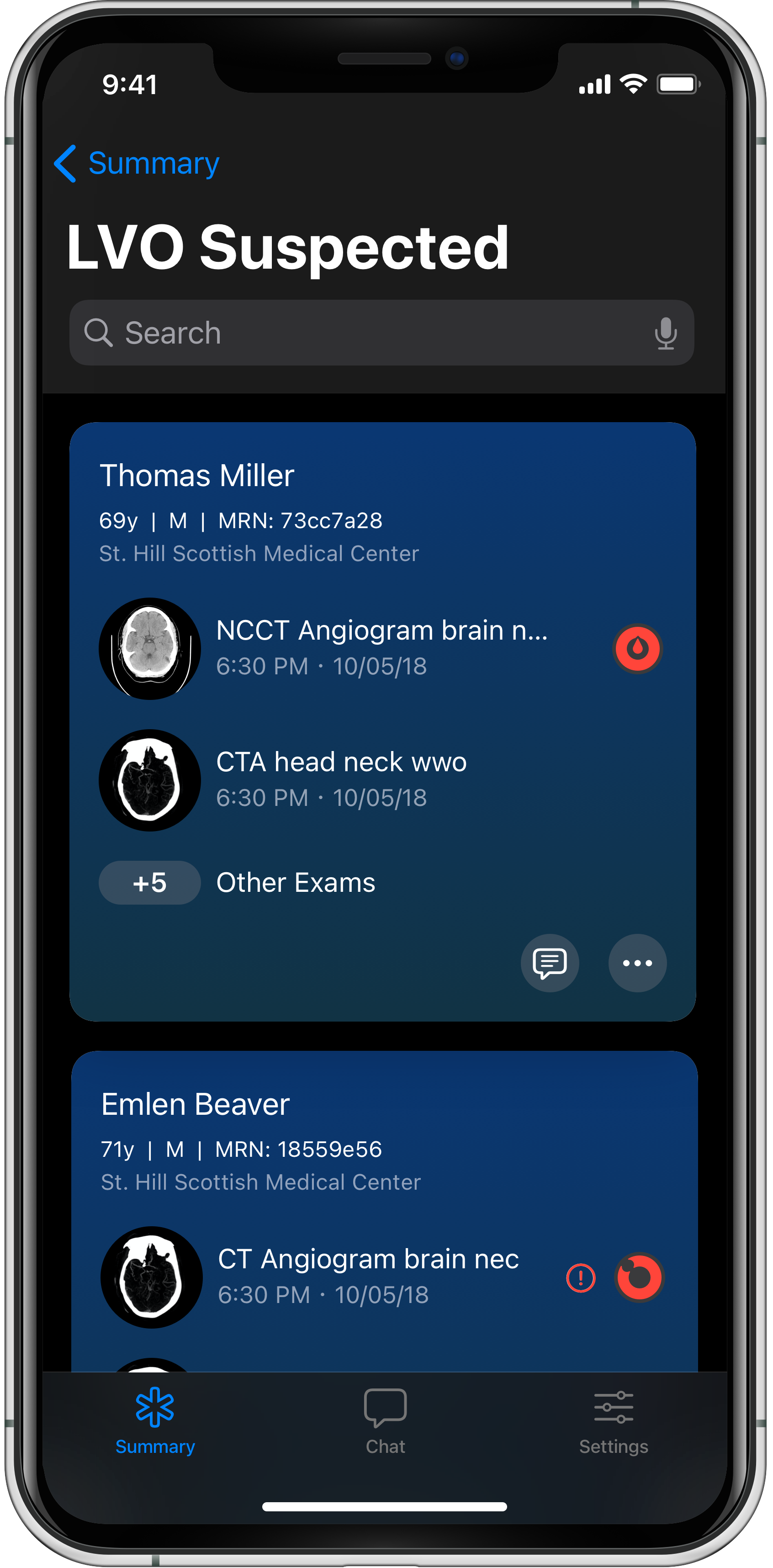
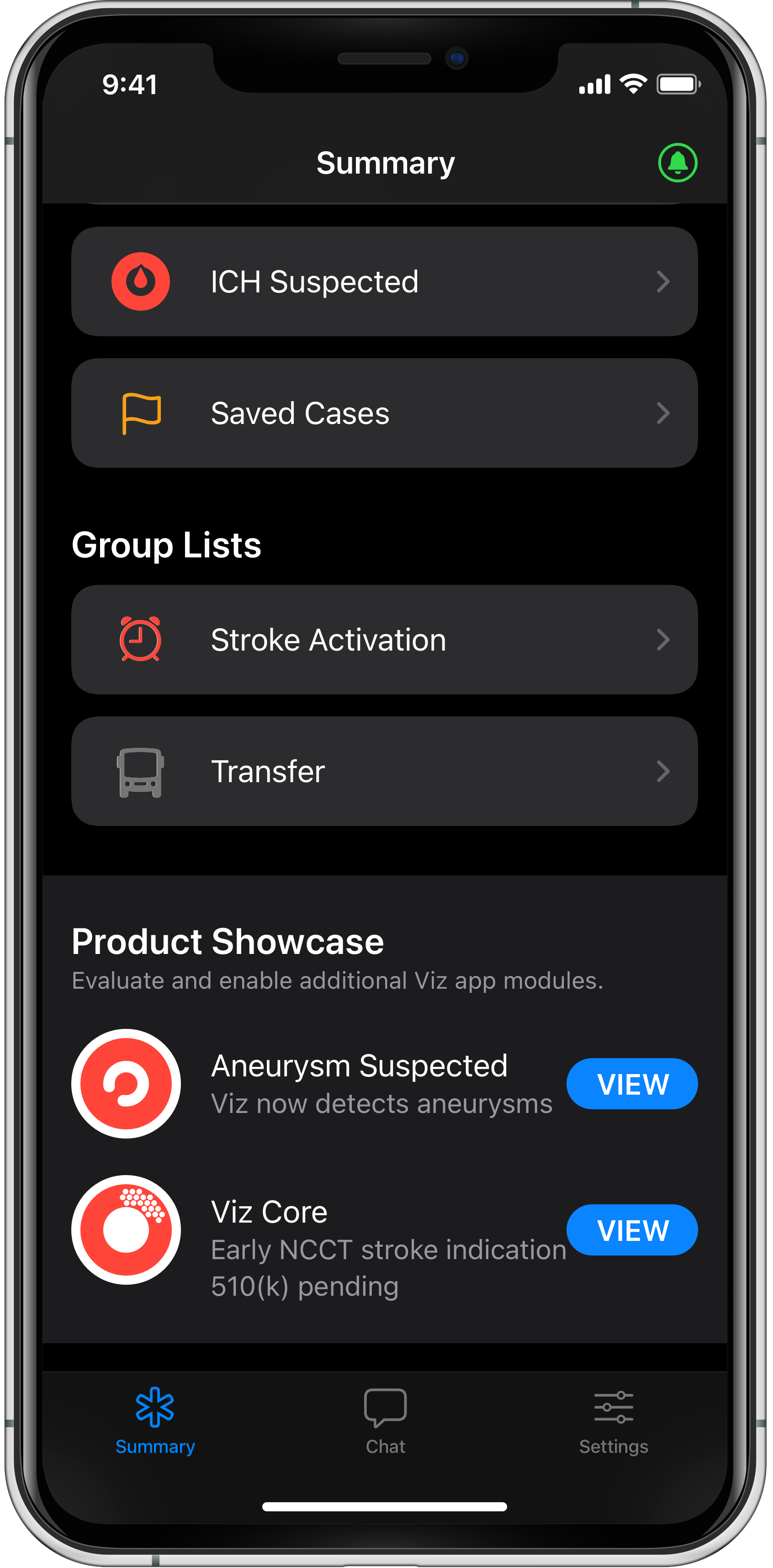
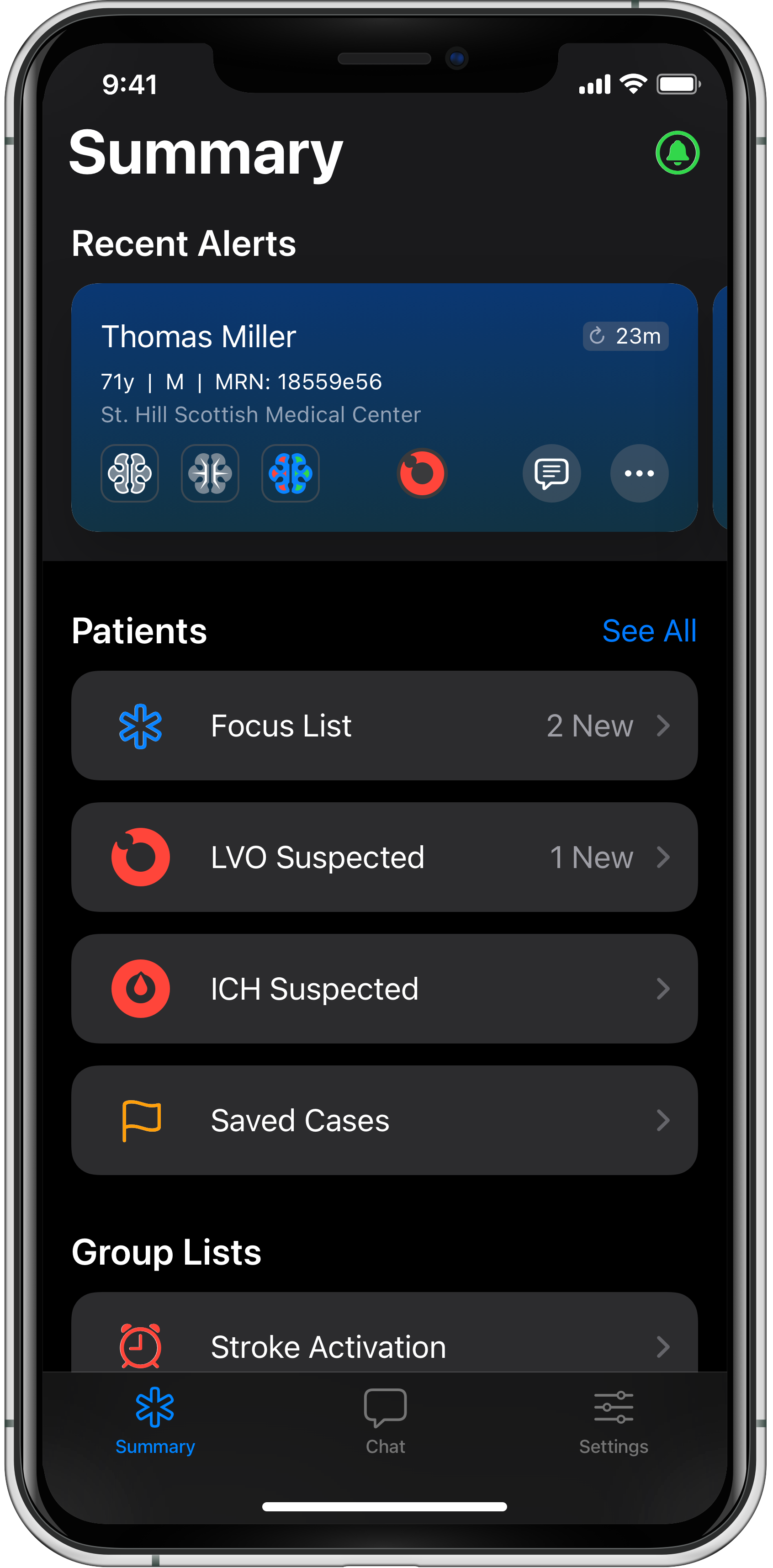
Early Viz had a core problem: the UI relied only on tabs and lists. Other features were added sporadically without a unifying concept. Through customer sessions, I learned that doctors needed context for lists and a clearer way to follow workflows. I pushed for an intermediate “home screen” that gathered the most important patient info, showed alerts, and offered paths to various workflows. Leadership was initially hesitant to change the familiar app significantly, but customer feedback convinced them. This wasn’t about looks — it was about improving workflows based on real user behavior.
Platform-Specific Design
I proposed moving away from unified custom branding to embrace iOS and Android native conventions in each of the platforms. Initial resistance faded when research showed doctors strongly preferred OS-native patterns -- they learned these interfaces through daily personal use. This strategic decision reduced design and engineering complexity, accelerated feature delivery, and improved user outcomes.
"We buy Viz for its ease of use. Otherwise, we would have taken your competitors. The app is intuitive and gets out of our way. That's not a given in healthcare software."
A live prototype is worth a thousand pictures.
I built a native iOS prototype in Swift to showcase the vision and the proposed redesign, the home screen concept, new components across screens, and refined interactions. This working prototype allowed product people, engineers, and stakeholders to experience the vision in a real iOS app and ultimately convinced them to pursue this approach.
"Join my team! It's more than I saw in all my interviews so far..."
Platform Expansion
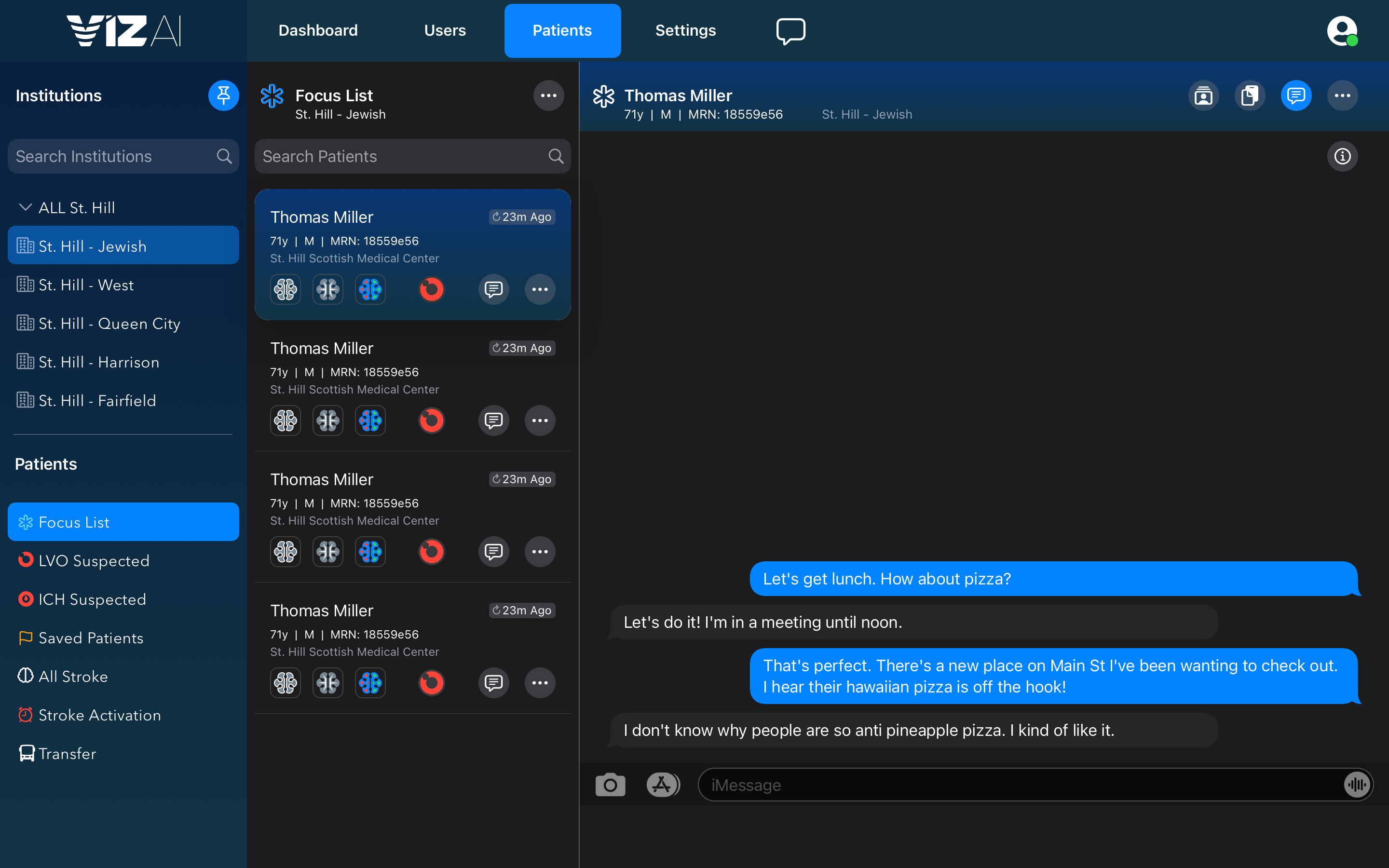
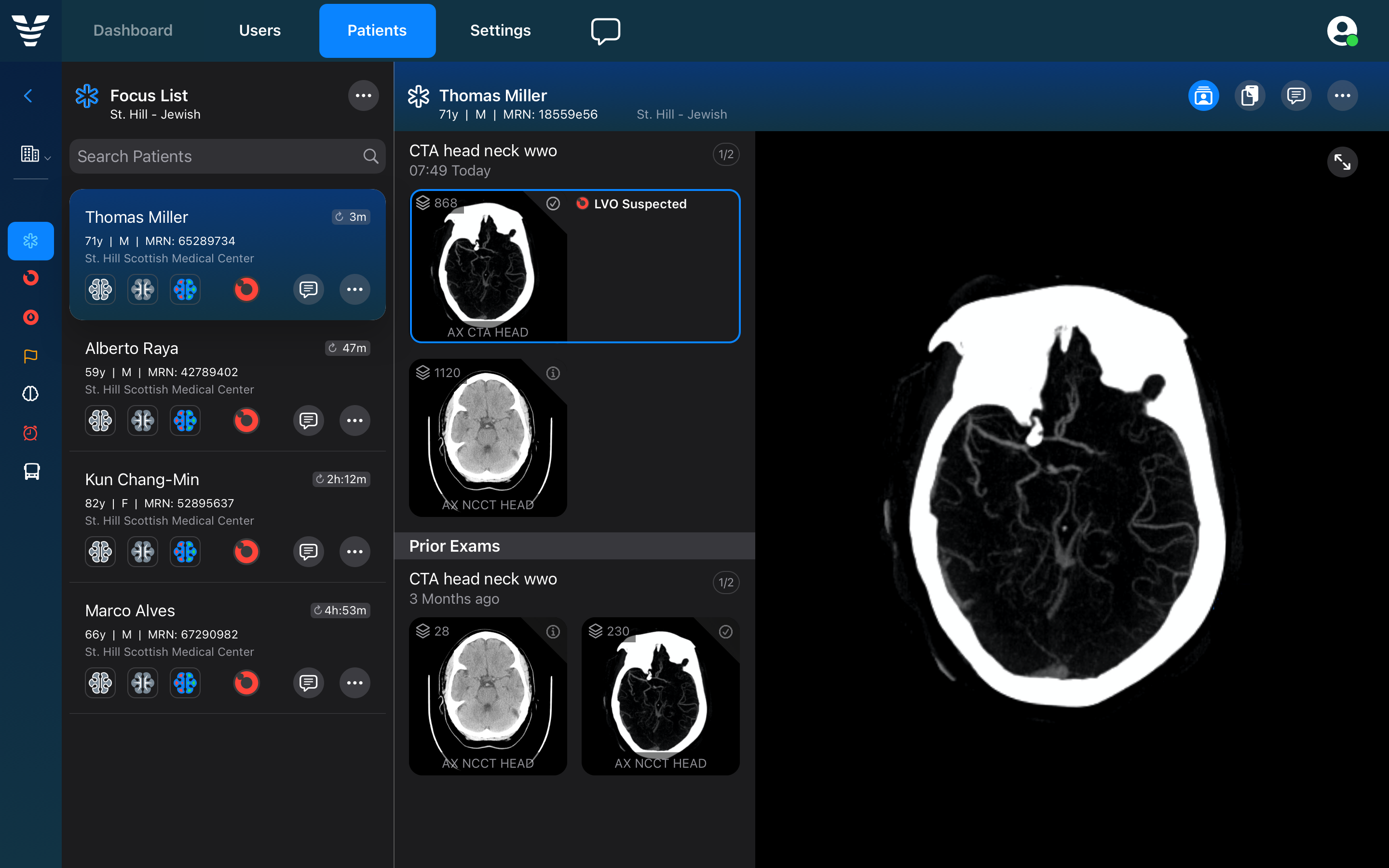
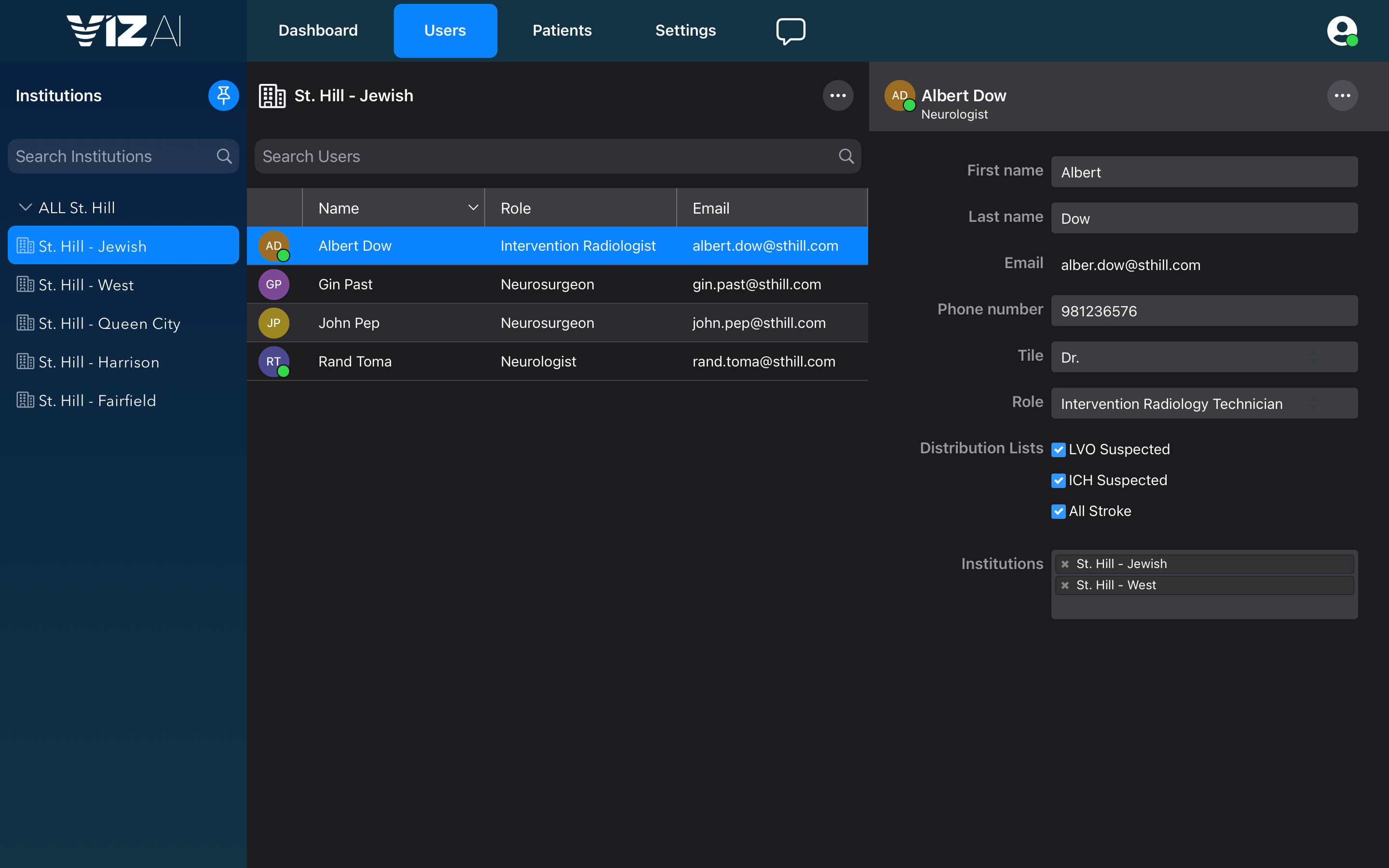
Beyond the mobile app, I led early design exploration for a planned WebApp expansion. This companion product would serve administrative roles in hospitals with deeper research capabilities for "post-emergency" analysis -- detailed case reviews, outcome dashboards, program statistics, and trend visualizations. It would also enable self-serve functions previously handled by Viz's internal teams: hospital setups, team management, and workflow configurations.
WebApp Wireframes
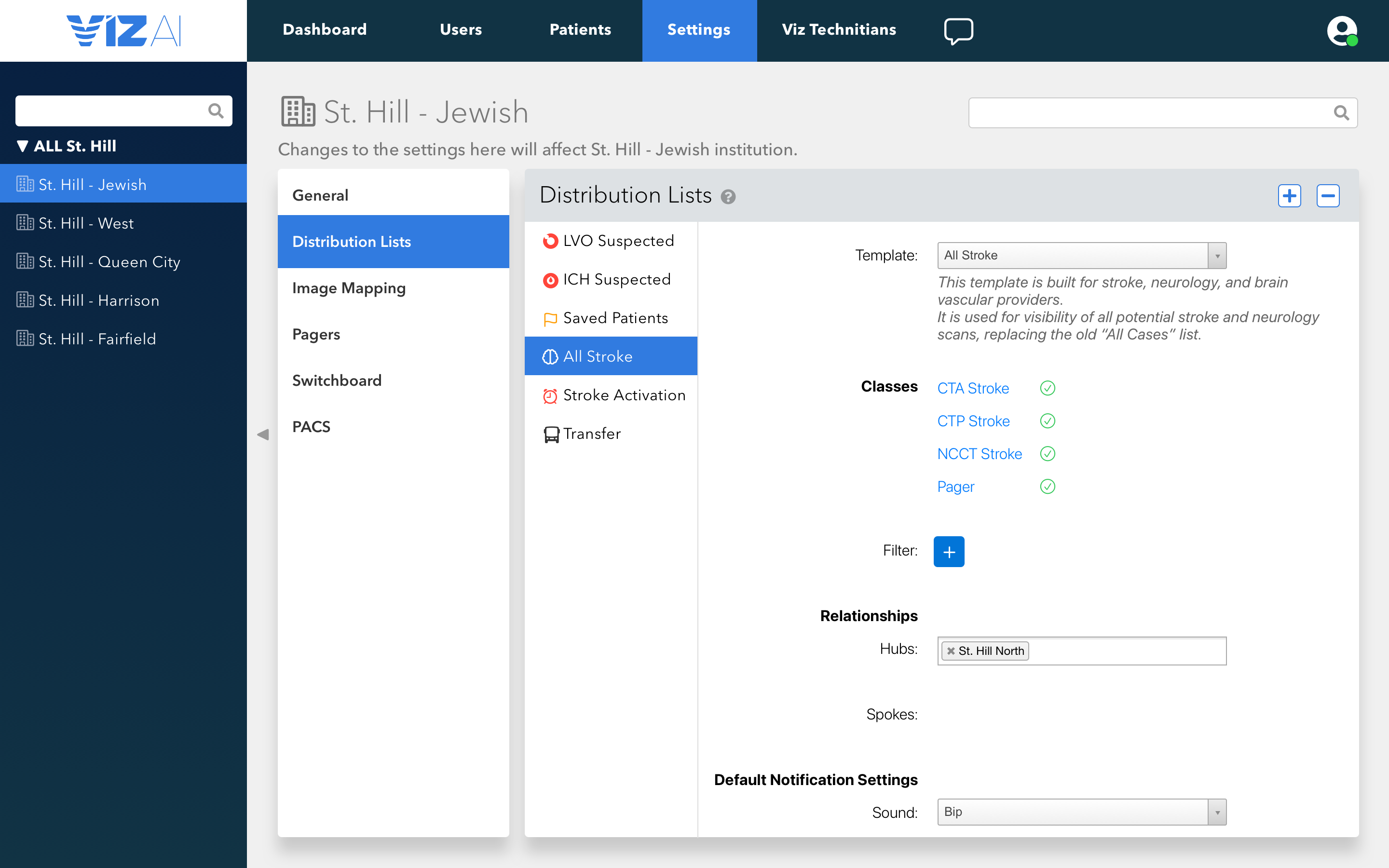
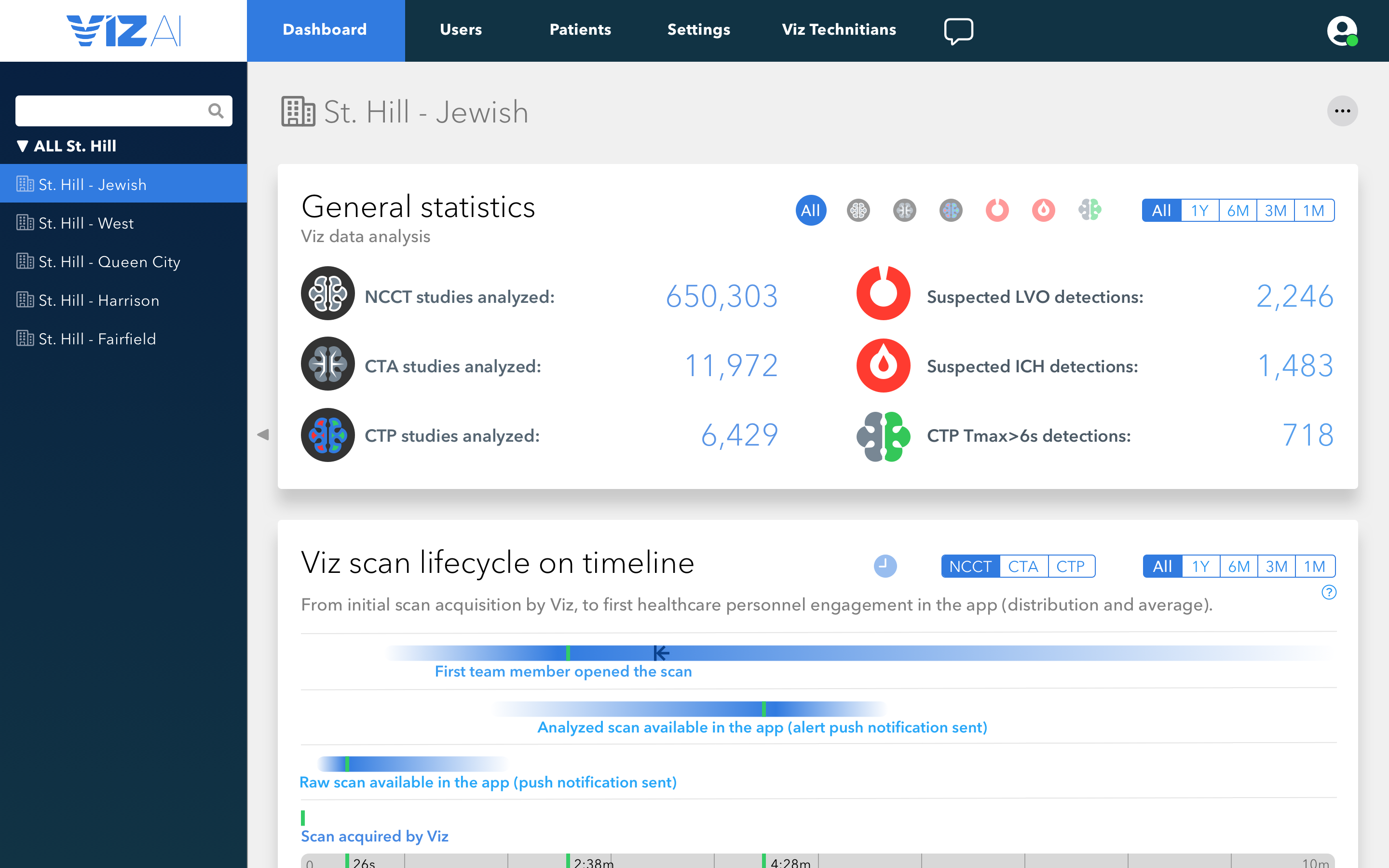
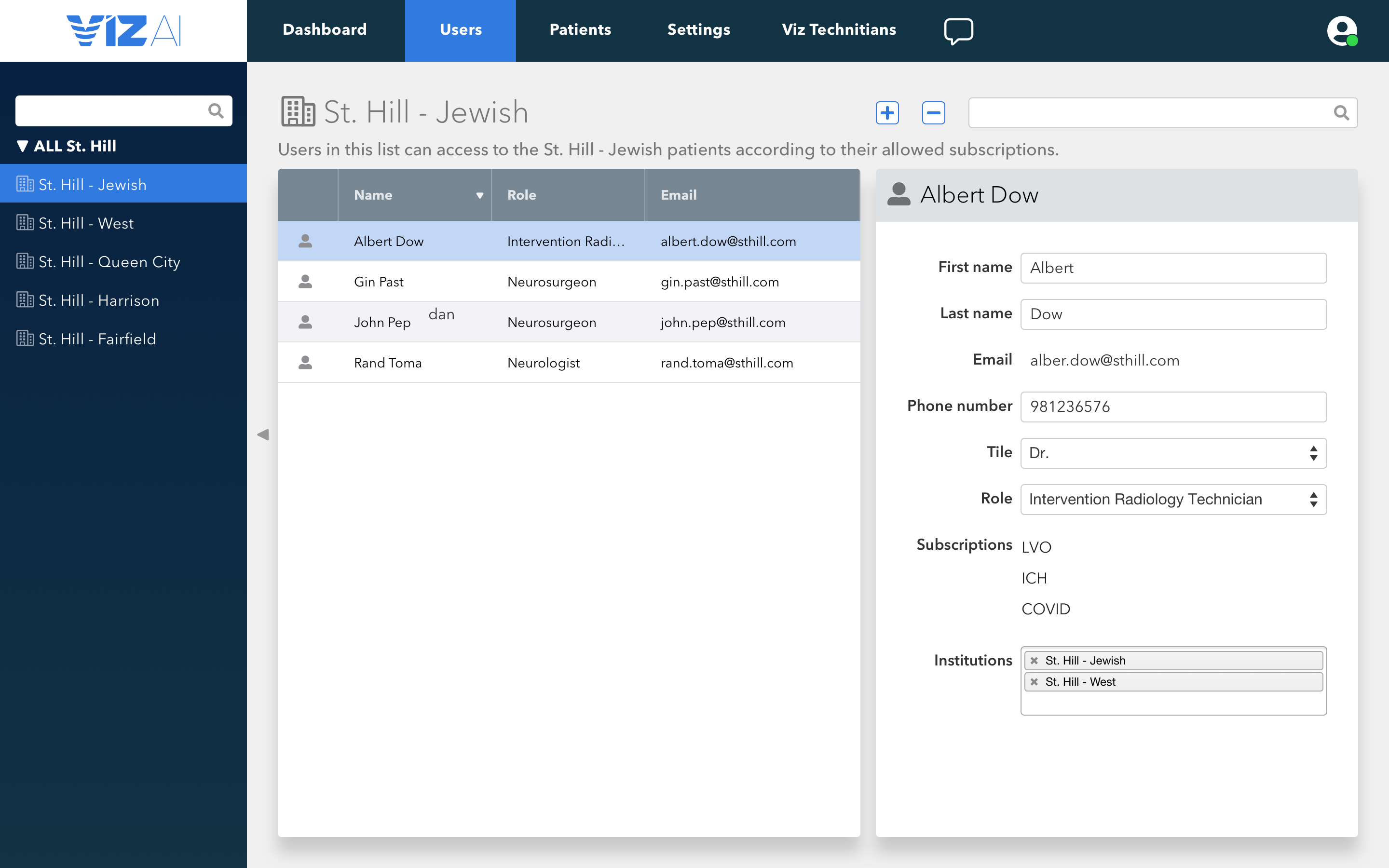
Prototypes with Visual Design
Months
Customer Calls
Sketch Screens
Hospitals